
Views
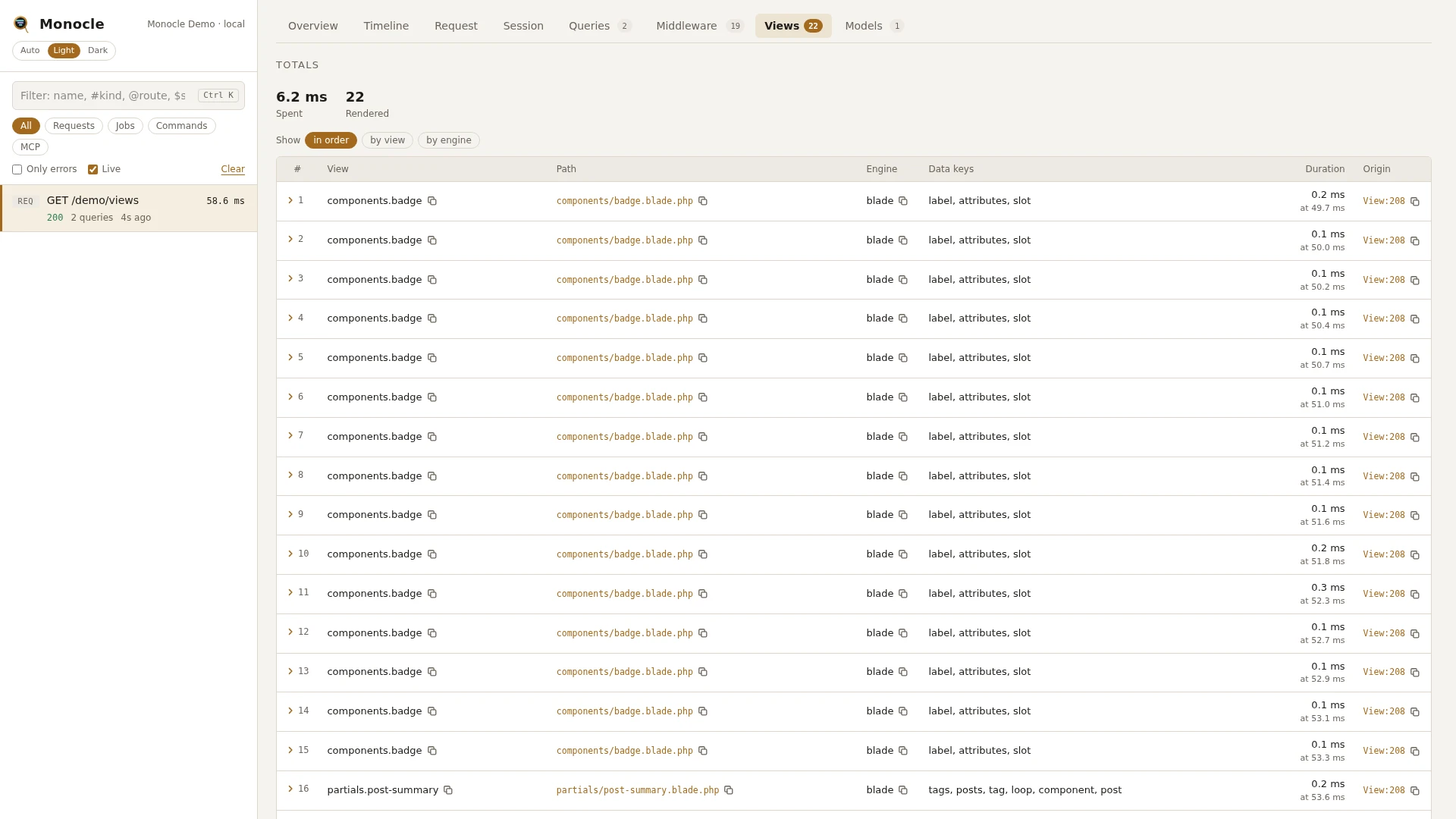
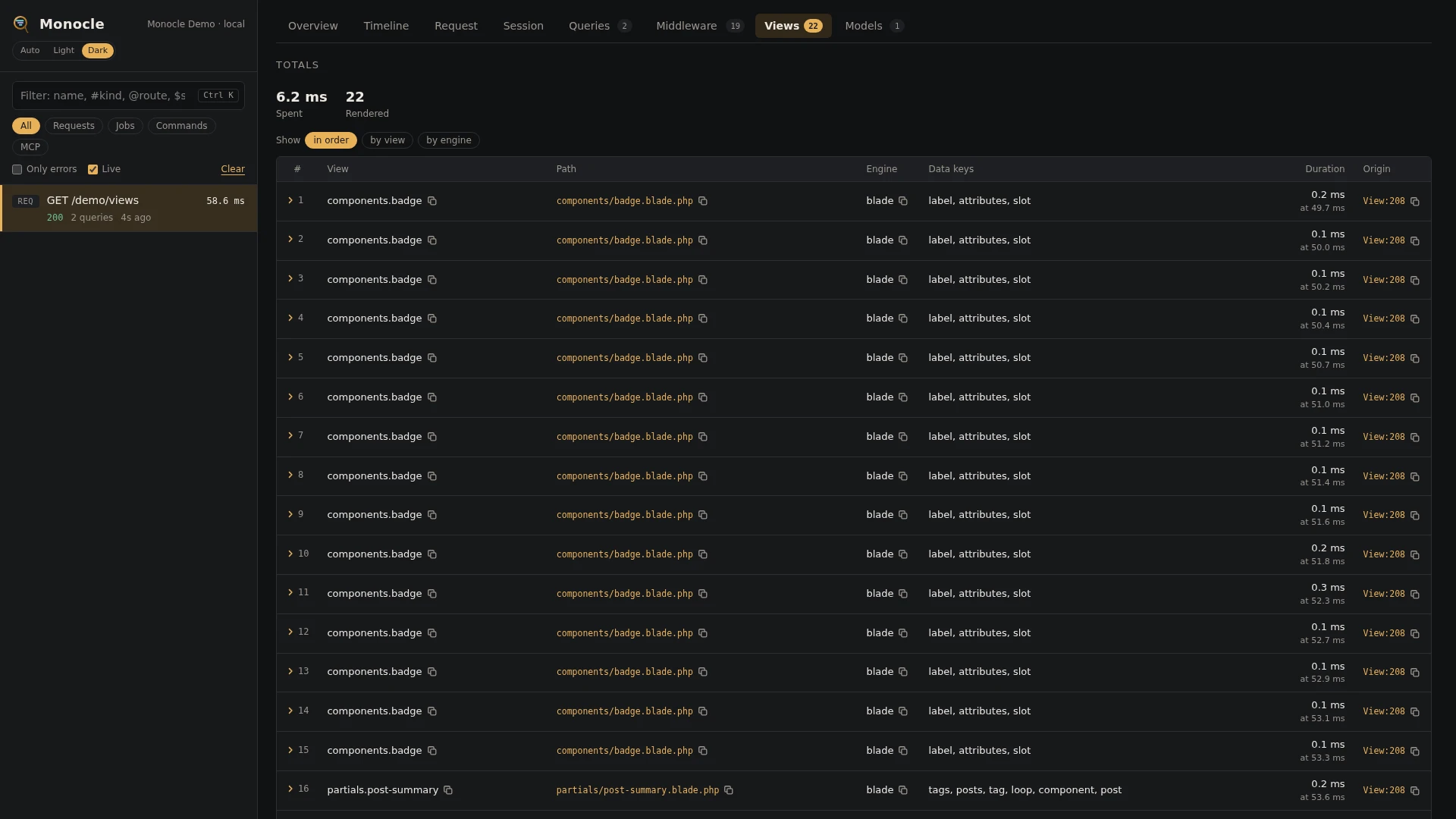
The views lens times every view and Blade component rendered while a request, job or command is captured, with the names of the variables passed in. Views rendered inside other views show up nested in the timeline, so a partial rendered in a loop is easy to spot.
Rows
Section views, one row per render. A row is added when the render finishes, so an included view is listed before the view that includes it.
| Field | Meaning | Unit | Missing when |
|---|---|---|---|
view | The view name. A view under your view paths is named with dots, so resources/views/users/show.blade.php is users.show. A view elsewhere, such as a package view, is named after its file. A component's inline template is named <x-component-name>, the inline template Livewire puts a full-page component into its layout with layout: plus the layout name, and other inline templates inline: plus the start of their hash. | - | never |
path | The view file, relative to your project. | - | never |
engine | The view engine that rendered it, such as blade, php or file. | - | never |
duration | How long the render took, including every view rendered inside it. | ms | never |
data_keys | Names of the variables passed to the view. Laravel's own variables and names starting with _ are left out. | - | empty list when nothing was passed |
data | The variables passed to the view, with their values. Laravel's own variables are left out. | - | absent unless data is true |
time | When the render started, from the start of the capture. | ms | never |
origin | The line in your code that rendered the view. For the view of a Livewire component, its render() method. | - | null when origin is turned off |
Totals, warnings and errors
Only given when at least one view was rendered.
| Total | Label | Meaning |
|---|---|---|
views_ms | spent | Time spent rendering, in ms. Only views not rendered inside another view are counted, so nested time is not counted twice. |
views_rendered | rendered | Number of renders. |
views_most_rendered | - | The three views rendered most, with their counts. |
Warning:
- View rendered repeatedly -
View partials.row rendered 40 times, 52.3 ms in all.One view was rendered at leastrepeat_thresholdtimes and its renders took at leastrepeat_msin all, nested views included. Views whose file is invendor/are left out.
This lens reports no errors.
In the dashboard
The Views tab starts with the totals and lists every render with its view name, path, engine, variable names, duration and the line of your code that rendered it.
Group the rows with the chips at the top:
- in order - every render as it finished.
- by view - all renders of one view together.
- by engine - one group per view engine.
Each group shows its count and its total, average and longest time, and folds out to its renders. A row folds out to every field in full, including the variable values when data is on.
In the Timeline, each render is a view span with its path, engine and variable names, nested under the view that rendered it.
For agents
Find the slowest views with monocle-rows:
{
  "section": "views",
  "sort": "duration", "dir": "desc",
  "fields": ["view", "duration", "data_keys", "origin"]
}
See which views rendered inside which, with their times, with monocle-show:
{"id": "latest", "sections": ["timeline"], "kinds": ["view"]}List every render of one view, to see how often a partial ran and from where, with monocle-rows:
{
  "section": "views",
  "where": [{"field": "view", "op": "=", "value": "partials.row"}],
  "fields": ["duration", "origin"]
}
Configuration
The lens is listed in the lenses block of config/monocle.php, keyed by its class. Set it to true to run it with the defaults, false to turn it off, or an array of options. See Lenses.
| Option | Default | Effect |
|---|---|---|
engines | ['blade', 'php', 'file'] | The view engines to time. Views rendered by other engines are not recorded. An engine that is not registered is skipped. |
data | false | true also records the variables passed to each view, with their values, in data. |
repeat_threshold | 10 | How many renders of one view it takes to give a repeated view warning. |
repeat_ms | 20 | How many ms those renders must take in all to give the warning. |
Other settings that affect this lens:
enabled- when Monocle is off, nothing is recorded.except- requests and commands listed there are not recorded.origin- whether each render gets the line of your code that rendered it.dashboard.tabs- where the Views tab goes among the tabs; it is listed asViewsLens::class.- Masking - with
dataon, values passed to views under a key matchingmask.inputsare masked, also inside nested arrays and collections. Entries keyed byViewsLens::classapply to this lens only. - Laravel's own
config/view.phpsets the view paths that decide view names.
use ExeQue\Monocle\Lenses\ViewsLens;

'lenses' => [
    ViewsLens::class => [
        'engines' => ['blade', 'php', 'file'],
        'data' => false,
        'repeat_threshold' => 20,
        'repeat_ms' => 10,
    ],
],
Requirements and limits
No extra packages are needed.
- Only views rendered by the engines in
enginesare recorded. - The time is the render itself; work done before the view renders, such as in the controller, is not part of it.
- Variable values are only kept with
dataturned on.