
Events
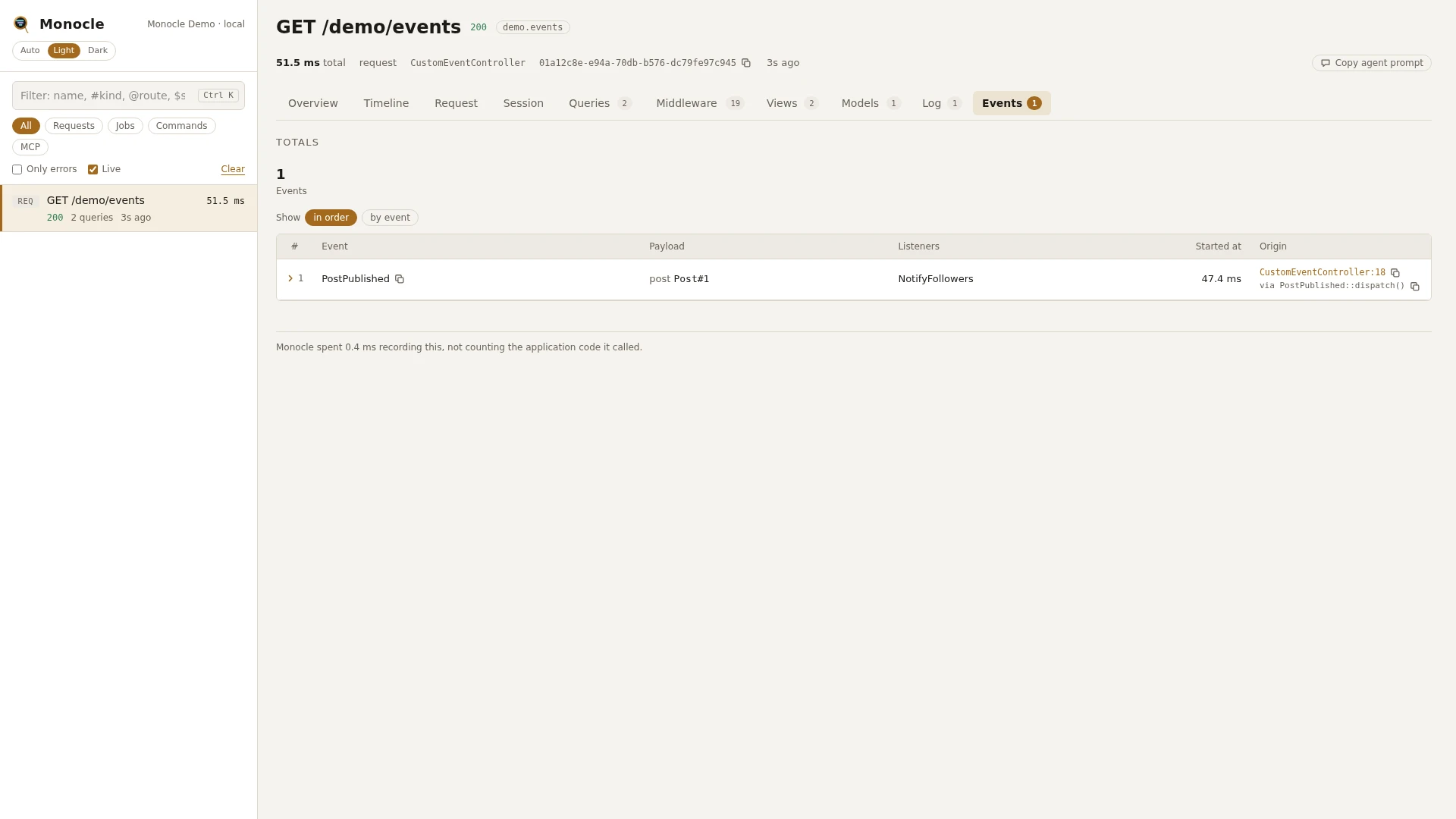
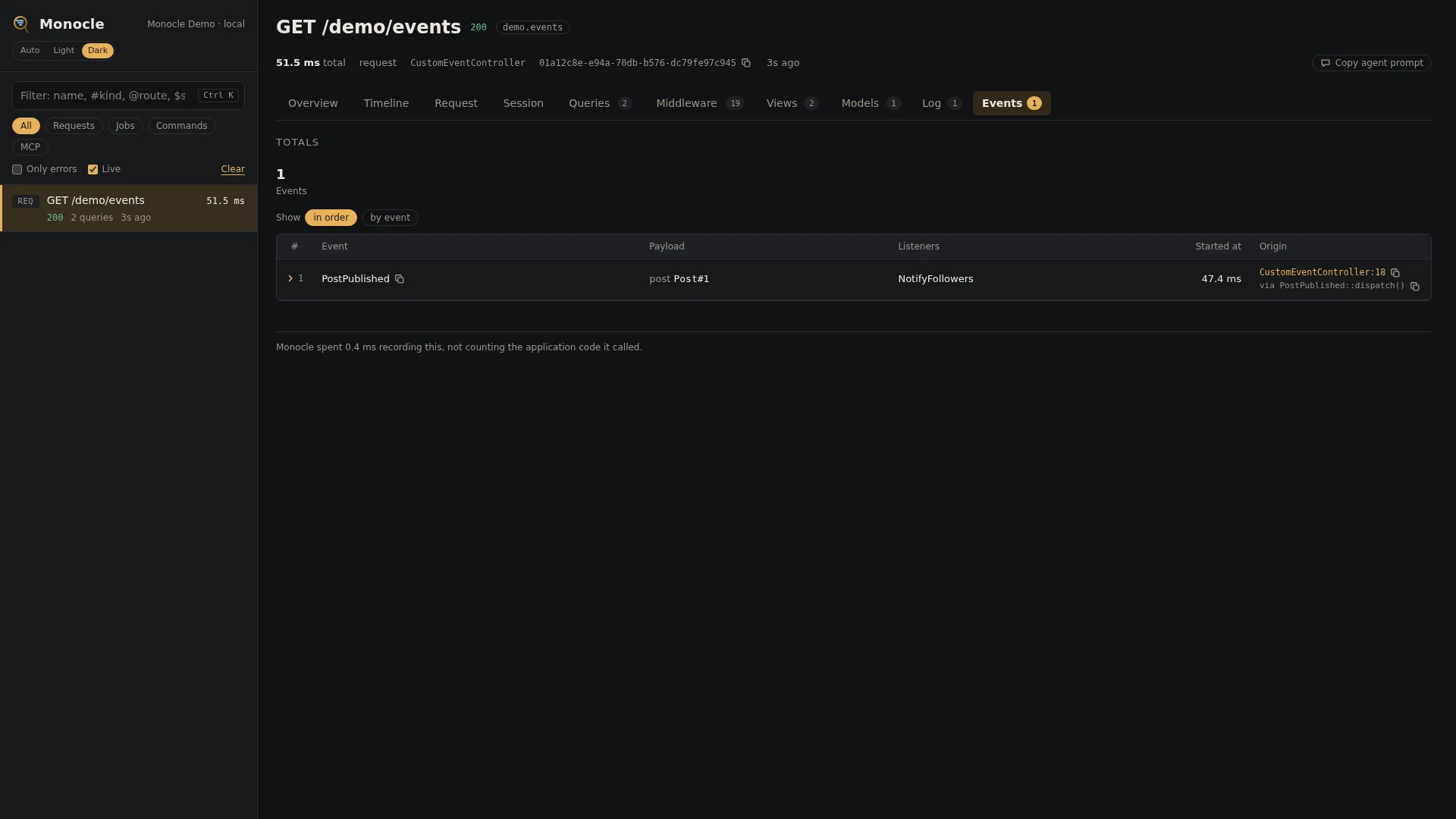
The Events lens records every application event dispatched during a capture (a request, job, command or MCP call), with its payload, the listeners registered for it and whether it broadcasts. Framework events are left out by default.
Rows
Section events has one row per dispatched event.
| Field | Meaning | Unit | Missing when |
|---|---|---|---|
event | The event name: the class of an event object, or the string name, such as orders.shipped | - | never |
payload | For an event object, its properties. For a string event, the arguments it was dispatched with. Models show as Class#id, enums as their value, dates as ISO 8601, closures as [closure], other objects as their array form or [Class] | - | empty for an event without properties or arguments |
listeners | The listeners registered for this exact event name: Class@method, a class name, or Closure | - | empty list when nothing listens to the event by its name |
broadcast | true when the event object implements ShouldBroadcast | - | false for string events |
time | When the event was dispatched, counted from the start of the capture | ms | never |
origin | The file and line in your code that dispatched it, with a short call chain | - | when origins are turned off |
Totals, warnings and errors
| Total | Label | Meaning |
|---|---|---|
events | events | Events recorded |
events_without_listeners | without listeners | Distinct event names that had no listener |
The lens reports no warnings and no errors. An event nobody listens to is only counted in events_without_listeners.
In the dashboard
The Events tab lists the events in the order they were dispatched, with the payload as a short key/value list. Group the rows by event to see how often each event fired. Click a row to fold it out: every field in full with a copy button, the listeners, and the line of your code that dispatched the event with its call chain.
For agents
Which events fired in the latest capture, and who handled them. monocle-rows with:
{"section": "events", "fields": ["event", "listeners", "origin"]}Events nobody listened to, such as a listener that was never registered. monocle-rows with:
{"section": "events", "where": [{"field": "listeners.0", "op": "null"}], "fields": ["event", "payload", "origin"]}Every recent capture that dispatched events, to pick the one to dig into. monocle-list with:
{"has": ["events"], "since": "15m"}Then pass its id to monocle-rows with "search": "OrderShipped" to find one event by name. See For AI agents for every argument.
Configuration
Turn the lens on or off, or give it options, in the lenses block of config/monocle.php, keyed by the lens class: true runs it with its defaults, false turns it off, an array sets its options. See Lenses.
| Option | Default | Effect |
|---|---|---|
ignore | Illuminate\*, Laravel\*, Livewire\*, eloquent.*, composing:*, creating:*, bootstrapping:*, bootstrapped:*, locale.* | Event names or patterns (* matches anything) that are not recorded. Setting the option replaces the whole list, so include the defaults you want to keep. Monocle's own events are always left out. |
Other settings that affect this lens:
except: requests and commands that are not recorded at all, so their events are not recorded either.origin: whether rows carry the line of your code that dispatched the event, and how many call frames.
Payload keys and event properties matching mask.inputs are masked, also inside nested arrays and collections. Entries keyed by EventsLens::class apply to this lens only.
use ExeQue\Monocle\Lenses\EventsLens;

'lenses' => [
    EventsLens::class => [
        'ignore' => [
            // the defaults
            'Illuminate\*', 'Laravel\*', 'Livewire\*', 'eloquent.*', 'composing:*',
            'creating:*', 'bootstrapping:*', 'bootstrapped:*', 'locale.*',
            // events of your own you do not want to see
            'App\Events\Heartbeat',
            'telemetry.*',
        ],
    ],
],
Requirements and limits
No extra packages are needed.
- Only events dispatched while a capture is being recorded are kept.
- Framework events (queries, cache, jobs, views and so on) are left out by default; other lenses record those.
- Listeners are the ones registered for the exact event name when it fires. Wildcard listeners such as
Event::listen('orders.*', ...)are not listed. - Listeners are not timed, and the lens does not show whether a listener is queued.
- With a custom event dispatcher that cannot list its listeners,
listenersis always empty. - Masking goes by key or property name. A secret stored under a name that does not match
mask.inputsis stored as it is.