
Log
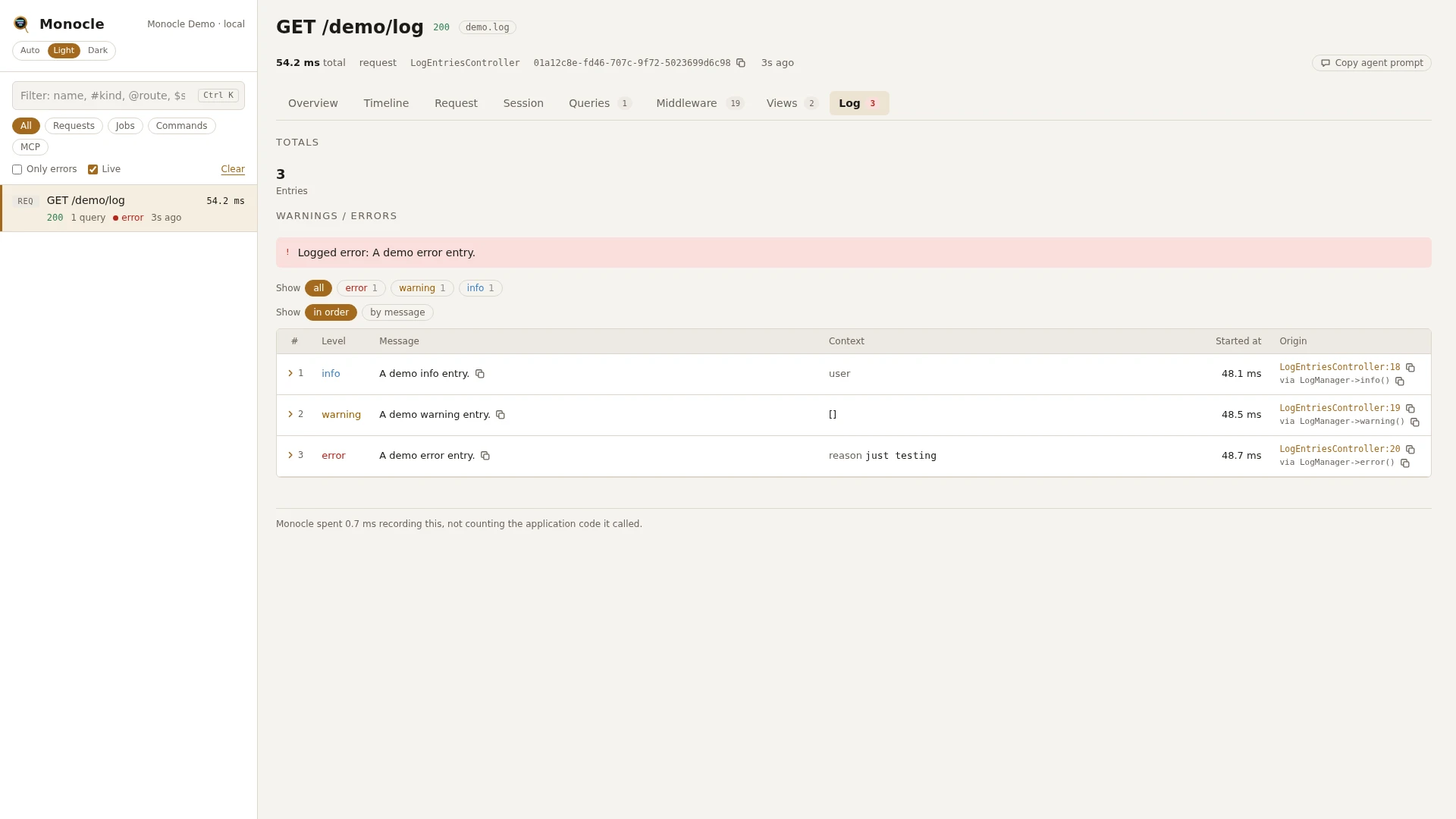
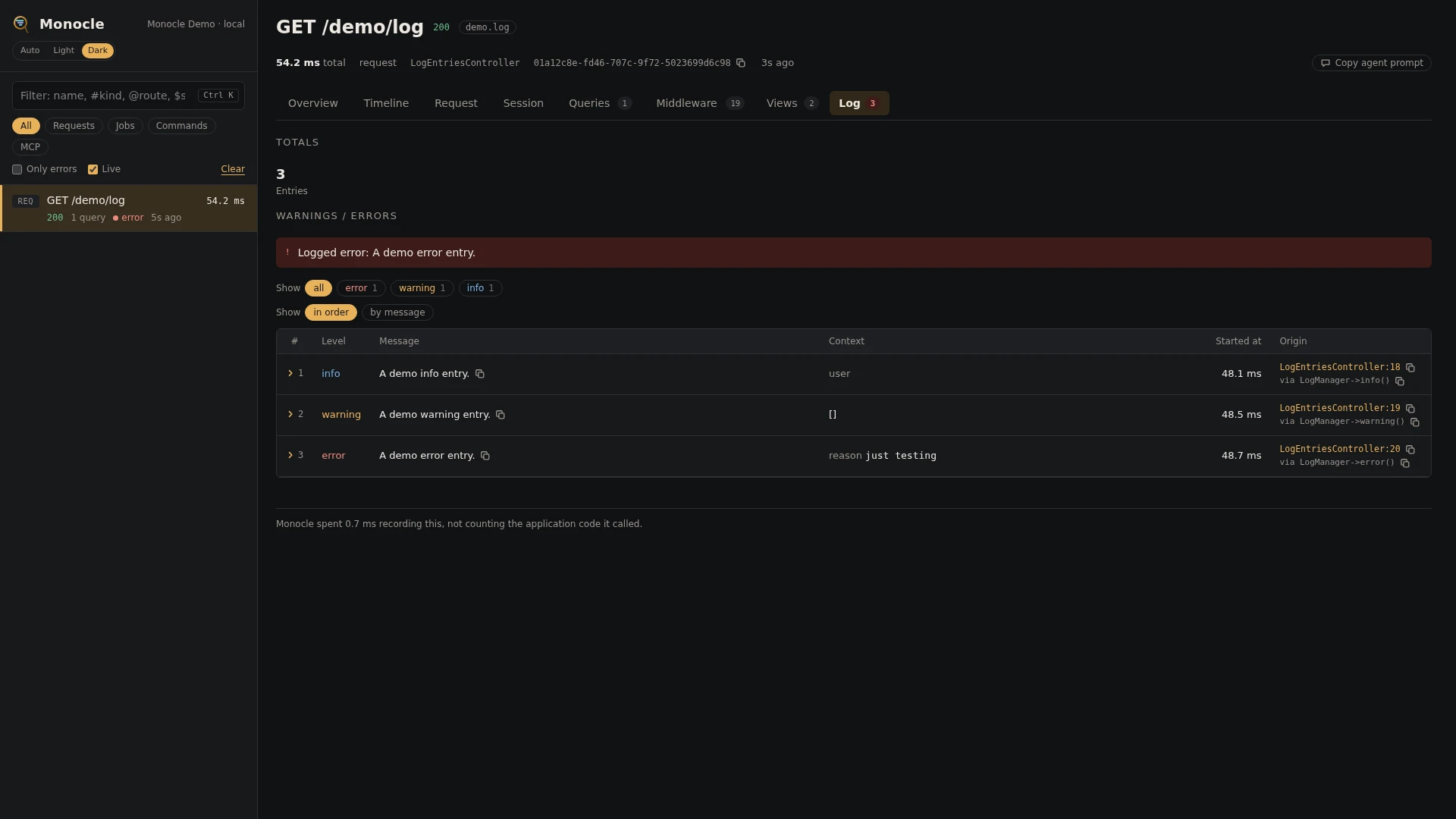
The log lens records every message written to Laravel's log while a capture is recording, with its level and context. It records what the application logged, whichever channel the message went to.
Rows
Every row in the log section has these fields:
| Field | Meaning | Unit | Missing when |
|---|---|---|---|
level | Log level: emergency, alert, critical, error, warning, notice, info or debug | never | |
message | The logged message | never | |
context | The context array passed with the message. An exception in it is reduced to class, message, file (file:line) and previous; models become Class#id | empty when no context was passed | |
time | When the message was logged, counted from the start of the capture | ms | never |
origin | The file and line of your code that wrote the message, with a short call chain. For a PHP warning or deprecation, the file and line it was raised on | null when origin.enabled is off |
Totals, warnings and errors
The summary gets these totals when at least one message was logged:
| Total | Meaning |
|---|---|
log_captures | Number of log entries |
log_by_level | Number of entries per level |
Errors: every entry at level emergency, alert, critical or error is an error. The summary lists the first three as Logged {level}: {message}, such as Logged error: Import failed. Entries below warning are not flagged.
Warnings: every entry at level warning is a warning, listed the same way (first three), such as Logged warning: Function strftime() is deprecated. PHP deprecations end up here, since Laravel logs them as warnings to the deprecations channel.
In the dashboard
The Log tab lists the entries in order with level (coloured by severity), message, context (one line per key) and the line of code that wrote it.
When more than one level is present, chips above the table filter by level, most severe first, each with its count. Pick one or more levels, or all. Group the rows by message to see how often the same message was logged.
A row folds out to every field in full, each with a copy button, with the context shown completely.
For agents
monocle-rows: what the latest capture logged at error level, with where it was logged.
{
  "section": "log",
  "where": [{"field": "level", "op": "=", "value": "error"}],
  "fields": ["message", "context", "origin"]
}monocle-rows: every entry mentioning a word, at any level.
{"section": "log", "search": "import", "fields": ["level", "message", "context"]}monocle-list: recent captures that logged anything.
{"has": ["log"], "since": "30m"}Combine has_errors: true with has: ["log"] to find captures with errors that also logged; the summary of each tells whether the error came from the log.
Configuration
The lens is on by default and has no options. In the lenses block of config/monocle.php, key it by its class: true runs it, false turns it off (see Lenses).
Other settings that affect this lens:
origindecides whether rows carry the line of code that wrote the message.exceptkeeps whole requests and commands out of recording, including what they log.Your logging configuration (
config/logging.php) has no effect on what is recorded: messages below a channel's level are recorded too, and so are messages sent to thenullchannel.mask.logis the expression for context keys to mask (default/pass|token|secret|authorization/i, masked withmask.using). It is separate frommask.inputs;''keeps context as written. Messages themselves are never masked.
// config/monocle.php
use ExeQue\Monocle\Lenses\LogLens;

'lenses' => [
    // ...
    LogLens::class => true,    // false to turn it off
],

'mask' => [
    // ...
    'log' => '/pass|token|secret|authorization|iban/i',
],
Requirements and limits
- Nothing to install: it listens to Laravel's log events.
- Only messages written through Laravel's logger (the
Logfacade,logger(),info()and the exception handler's own logging) are recorded. Output written straight to a file or witherror_log()is not. - Context keys that match
mask.log(by default the same expression as input:password,api_token...) are masked; a secret written into the message text itself is not. Setmask.logto''to keep context as written. - Messages Monocle writes about its own recording failures are left out.