
Mail and notifications
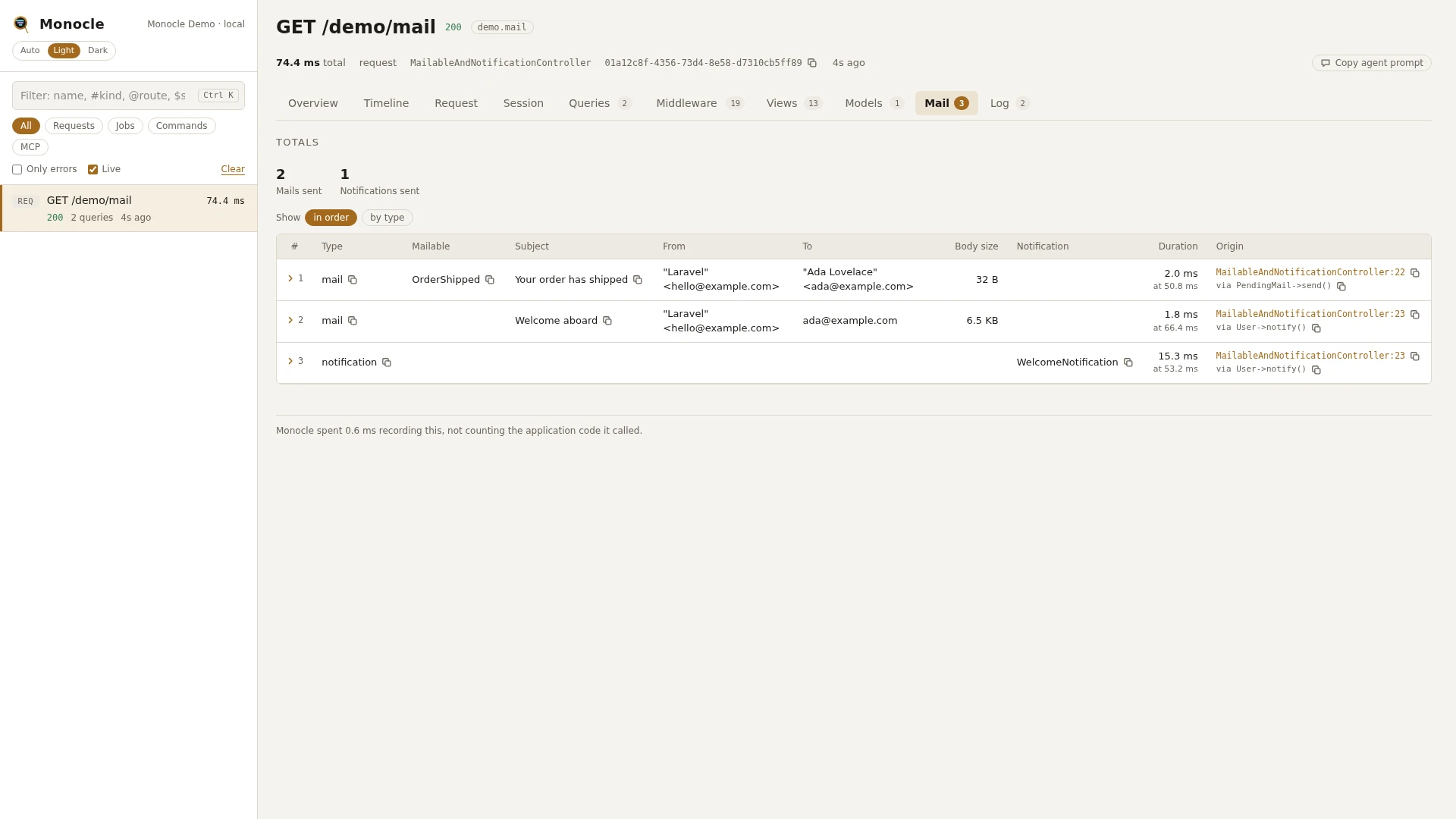
The mail lens records every mail message and every notification the application actually sent while a capture was recording. A mail becomes a row once it has been sent; a notification becomes a row once its channel has delivered it.
Rows
Mail and notifications share the mail section. The type field tells them apart.
Mail rows (type is mail):
| Field | Meaning | Unit | Missing when |
|---|---|---|---|
type | mail | never | |
mailable | Class of the mailable that was sent | null for mail not sent from a mailable, such as Mail::raw() | |
subject | Subject line | null when the message has no subject | |
from, to, cc, bcc | Lists of addresses, each as email or "Name" <email> | empty list when there are none | |
attachments | Number of attachments | never (0 without attachments) | |
body_bytes | Size of the text body plus the HTML body | bytes | never |
duration | Time between the mail being handed to the mailer and it being sent | ms | null when the start of the send was not seen |
time | When the send started, counted from the start of the capture | ms | never |
origin | The file and line of your code that sent it, with a short call chain | null when origin.enabled is off |
Notification rows (type is notification):
| Field | Meaning | Unit | Missing when |
|---|---|---|---|
type | notification | never | |
notification | Class of the notification | never | |
channel | Channel it went through, such as mail, database or broadcast | never | |
notifiable | Who received it: a model as Class#id, another object by its class name | never | |
response | What the channel returned, made readable | null when the channel returned nothing | |
duration | Time the channel took to deliver it | ms | null when the start of the send was not seen |
time | When the send started, counted from the start of the capture | ms | never |
origin | The file and line of your code that sent it, with a short call chain | null when origin.enabled is off |
A notification sent through the mail channel gives two rows: the notification and the mail it produced.
Totals, warnings and errors
The summary gets these totals when at least one row was recorded:
| Total | Meaning |
|---|---|
mail_sent | Number of mail rows |
notifications_sent | Number of notification rows (one per channel a notification went through) |
This lens reports no warnings and no errors. A mail that fails to send throws an exception, which the Exceptions lens records when it is reported.
In the dashboard
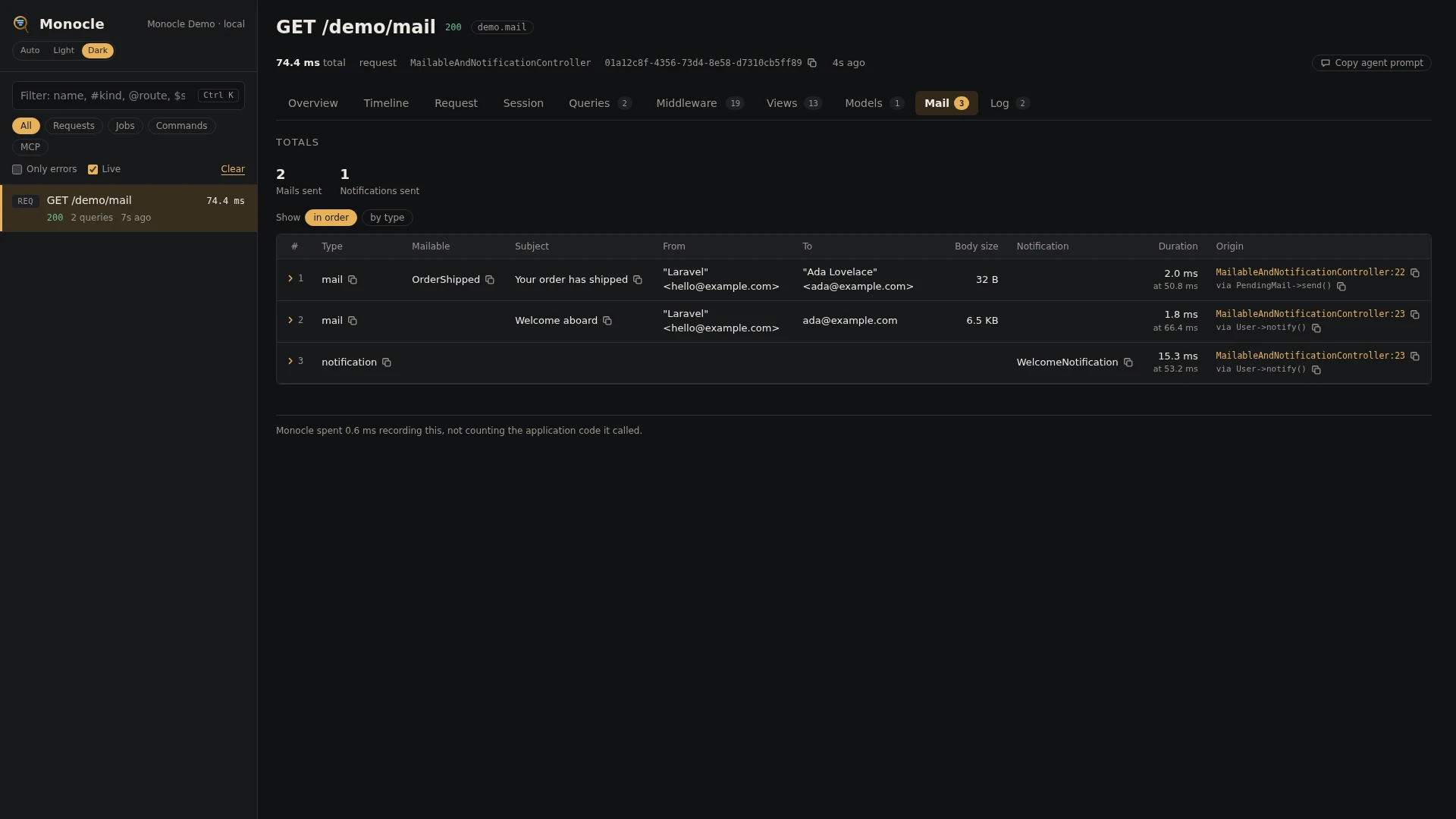
The Mail tab lists mail and notifications in the order they were sent, in one table. Columns appear for the fields that have values, so a capture with only mail shows subject, addresses, attachments and size, and one with notifications also shows notification, channel and notifiable. Duration and the line of code that sent each row come last.
Group the rows by type to see mail and notifications apart, with a count and the total, average and maximum time per group. A row folds out to every field in full, each with a copy button.
Time spent sending mail shows as mail in the overview's time breakdown.
For agents
monocle-rows: which mails were sent, to whom, with which subject.
{
  "section": "mail",
  "where": [{"field": "type", "op": "=", "value": "mail"}],
  "fields": ["mailable", "subject", "to", "cc", "attachments", "origin"]
}monocle-rows: which notifications went out, through which channels, to which notifiable.
{
  "section": "mail",
  "where": [{"field": "type", "op": "=", "value": "notification"}],
  "fields": ["notification", "channel", "notifiable", "duration"]
}monocle-list: which recent jobs sent mail (queued mail is sent in a job).
{"type": "job", "has": ["mail"], "since": "1h"}Configuration
The lens is on by default and has no options. In the lenses block of config/monocle.php, key it by its class: true runs it, false turns it off (see Lenses).
Other settings that affect this lens:
origindecides whether rows carry the line of code that sent the mail or notification.exceptkeeps whole requests and commands out of recording, including what they send.
No mask settings apply to this lens: addresses and subjects are kept as they are.
// config/monocle.php
use ExeQue\Monocle\Lenses\MailLens;

'lenses' => [
    // ...
    MailLens::class => true,    // false to turn it off
],
Requirements and limits
- Nothing to install: it uses Laravel's mail and notification events.
- Only mail and notifications that were sent are recorded. A queued mailable or a queued notification is recorded in the capture of the job that sends it, not in the request that queued it; the dispatch itself shows in the Queue lens.
Mail::fake()andNotification::fake()send nothing, so nothing is recorded under them.- The message body is not kept, only its size. Headers and attachment contents are not kept either.
- Messages the mailer sends that are not regular emails are skipped.