
HTTP client
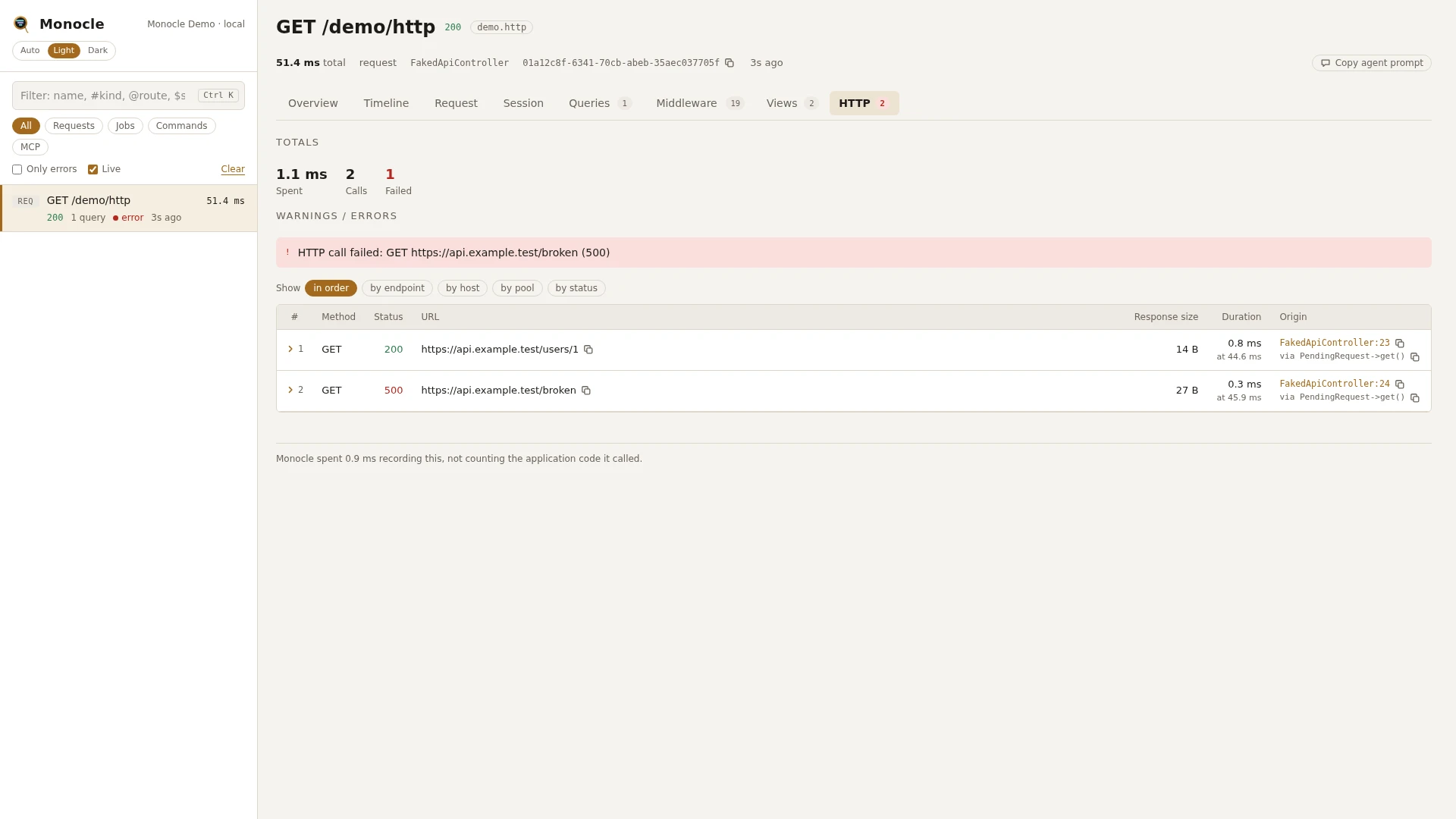
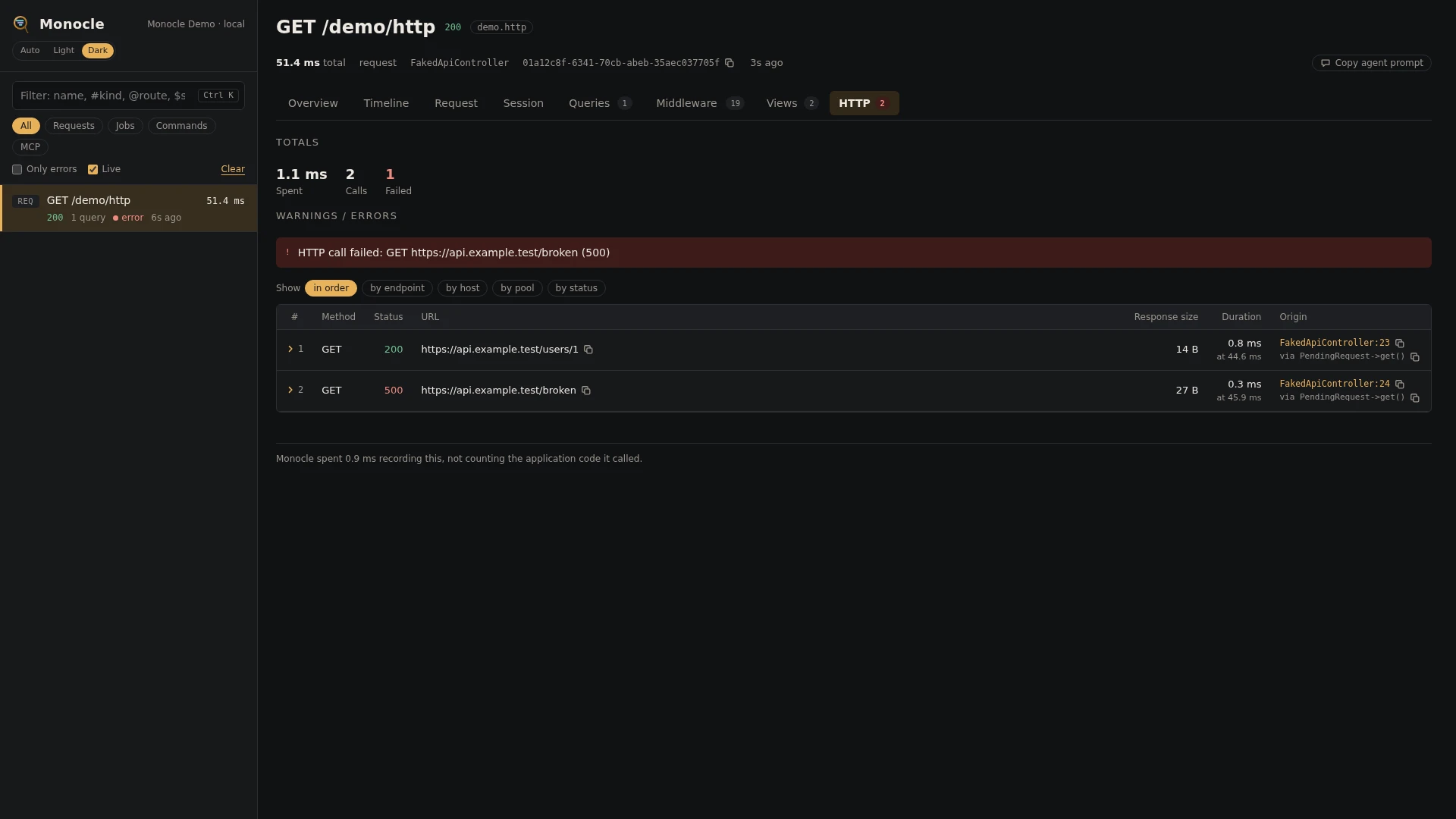
The HTTP client lens records every outgoing request made with Laravel's Http client, in requests, jobs and commands alike. Each call becomes a row in the http section when its response arrives or its connection fails.
Rows
Every row in the http section has these fields:
| Field | Meaning | Unit | Missing when |
|---|---|---|---|
method | HTTP method, such as GET or POST | never | |
url | Full URL, with query values whose names match mask.inputs masked | never | |
host | Host part of the URL | never | |
endpoint | Method and URL without the query, with numeric ids, UUIDs and long hex ids in the path replaced by {id}, such as GET https://api.example.com/orders/{id} | never | |
request_headers | Headers sent, masked by mask.headers | never | |
request_bytes | Size of the request body | bytes | never (0 without a body) |
request_payload | A JSON or form body as fields, masked like request input, with the values the capture masks itself (such as secrets written into a GraphQL query) | null when the body is empty or not a list of fields | |
request_formats | payload fields the capture for the response shows in a format, by dotted key: format (such as graphql) and the text shown | missing when the capture formats no field | |
request_body | The raw request body, with JSON and form bodies masked | null unless the bodies option is on | |
status | Response status code | null when no response arrived | |
response_headers | Headers received, masked by mask.headers | empty when no response arrived | |
response_bytes | Size of the response body | bytes | null when no response arrived, or the body is streamed (['stream' => true]), which Monocle never reads so the caller still gets all of it |
response_capture | The response as read by the capture for its content type: capture (the class), cards (masked like input) and raw (the body, with JSON and form bodies masked) | null when no capture matches the content type, no response arrived, or the body is streamed | |
response_body | The raw response body, with JSON and form bodies masked | null unless the bodies option is on and no capture handled the response; always null for a streamed body | |
duration | How long the call took | ms | null only when a failed connection cannot be matched to its start |
timing | Where the time went: dns, connect, tls, wait (time to first byte), download and redirect in ms, remote (address and port connected to), protocol (such as HTTP/2) and redirects (how many were followed) | ms | null for faked calls (Http::fake()) and failed connections; a phase that was never reached, such as tls on plain HTTP, is left out |
failed | true when the status is 400 or above, or no response arrived | never | |
exception | For a failed connection: class, message, file (file:line) and previous (the exceptions it wraps) | null when a response arrived | |
pool | A number shared by the requests sent together by one Http::pool() or Http::batch(), counting from 1 in each capture | null for a request sent on its own | |
time | When the call started, counted from the start of the capture | ms | never |
origin | The file and line of your code that made the call, with a short call chain | null when origin.enabled is off |
Totals, warnings and errors
The summary gets these totals when at least one call was made:
| Total | Meaning |
|---|---|
http_ms | Time spent in all calls together, in ms |
http_by_host | Number of calls per host |
http_calls | Number of calls |
http_failed | Number of calls where failed is true |
Errors: every failed call (status 400 or above, or no response at all) is an error. The summary lists the first three, such as HTTP call failed: GET https://api.example.com/orders (503). For a call without a response, the exception message (or no response) takes the place of the status. http_failed holds the full count.
This lens reports no warnings, and it has no threshold for slow calls.
In the dashboard
The HTTP tab lists the calls with method, status, URL, request size, response size, pool and duration, plus the line of code that made each call. Statuses are coloured; a call without a response shows failed. Group the rows by endpoint, by host, by pool or by status. Each group shows its count, how many failed, and the total, average and maximum time.
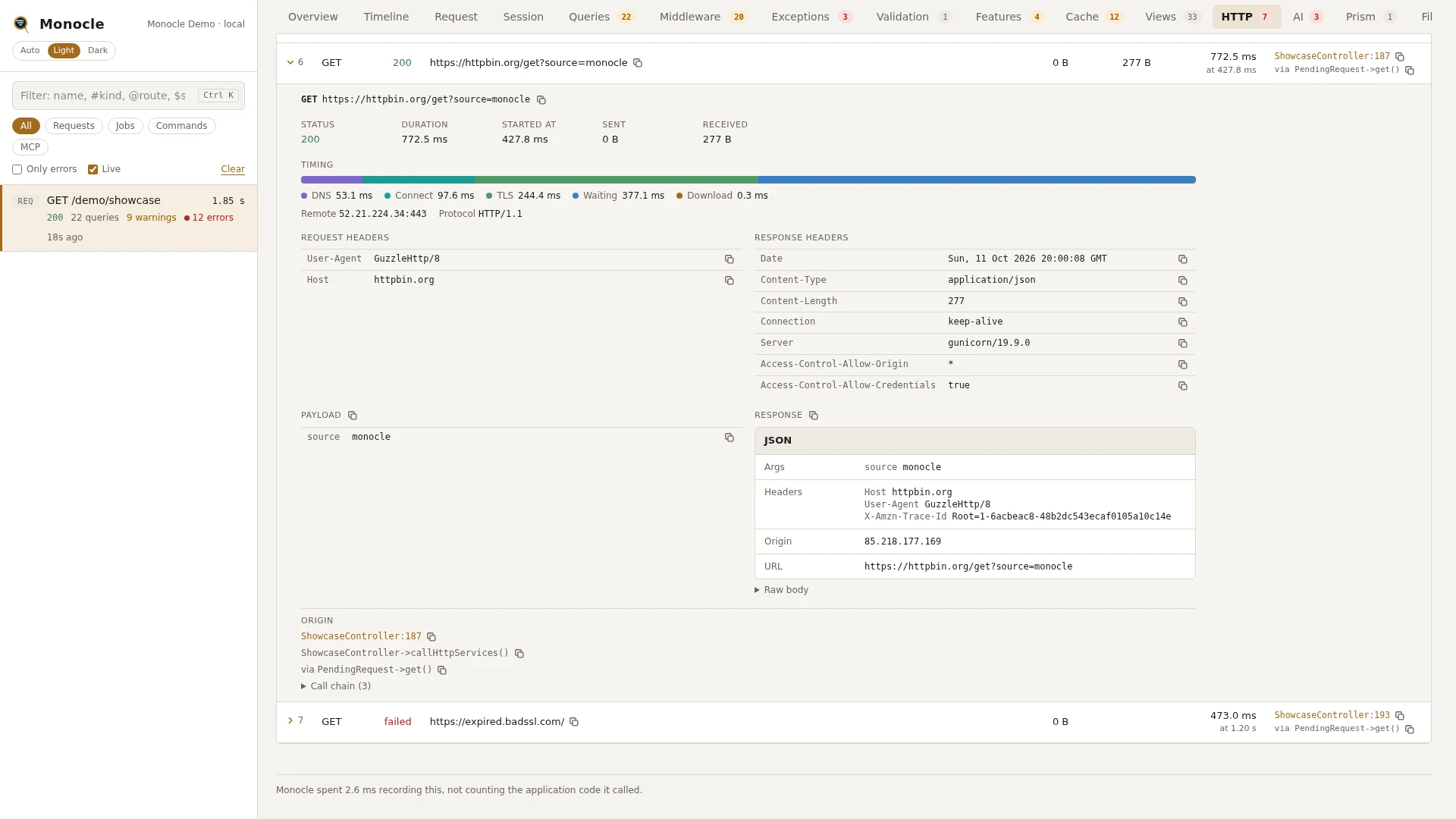
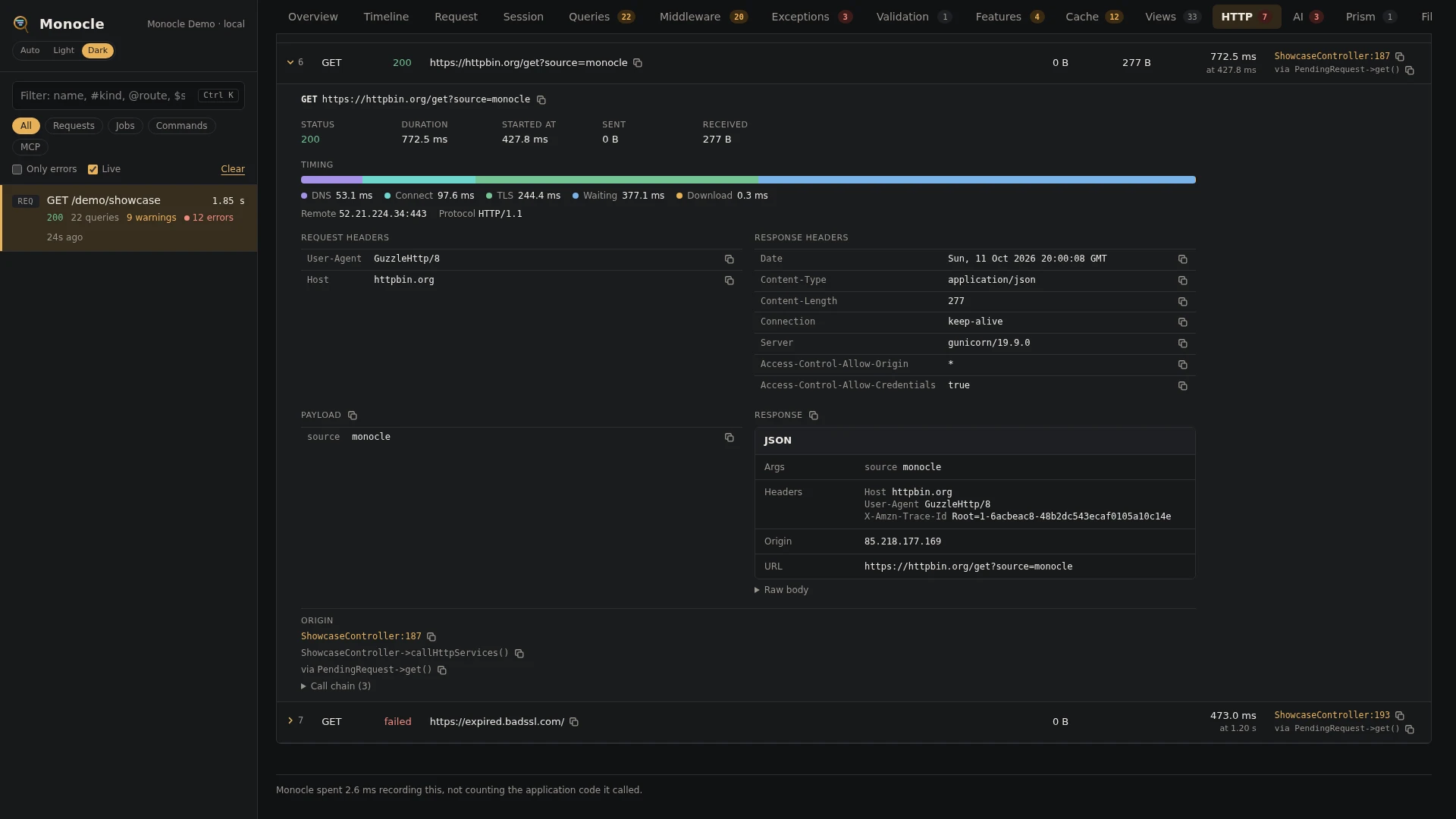
A row folds out to:
- the method and full URL, with a copy button
- status, duration, start time, bytes sent and received, and the pool
- a timing bar split into DNS, connect, TLS, waiting, download and redirects, with the remote address, protocol and redirects followed (real calls only)
- the exception and the exceptions it wraps, for a failed connection
- request headers and response headers
- the payload as fields (or the raw request body with
bodieson) - the response as its capture shows it, with the raw body under Raw body, or the raw body alone; JSON is pretty-printed
- the line of code that made the call
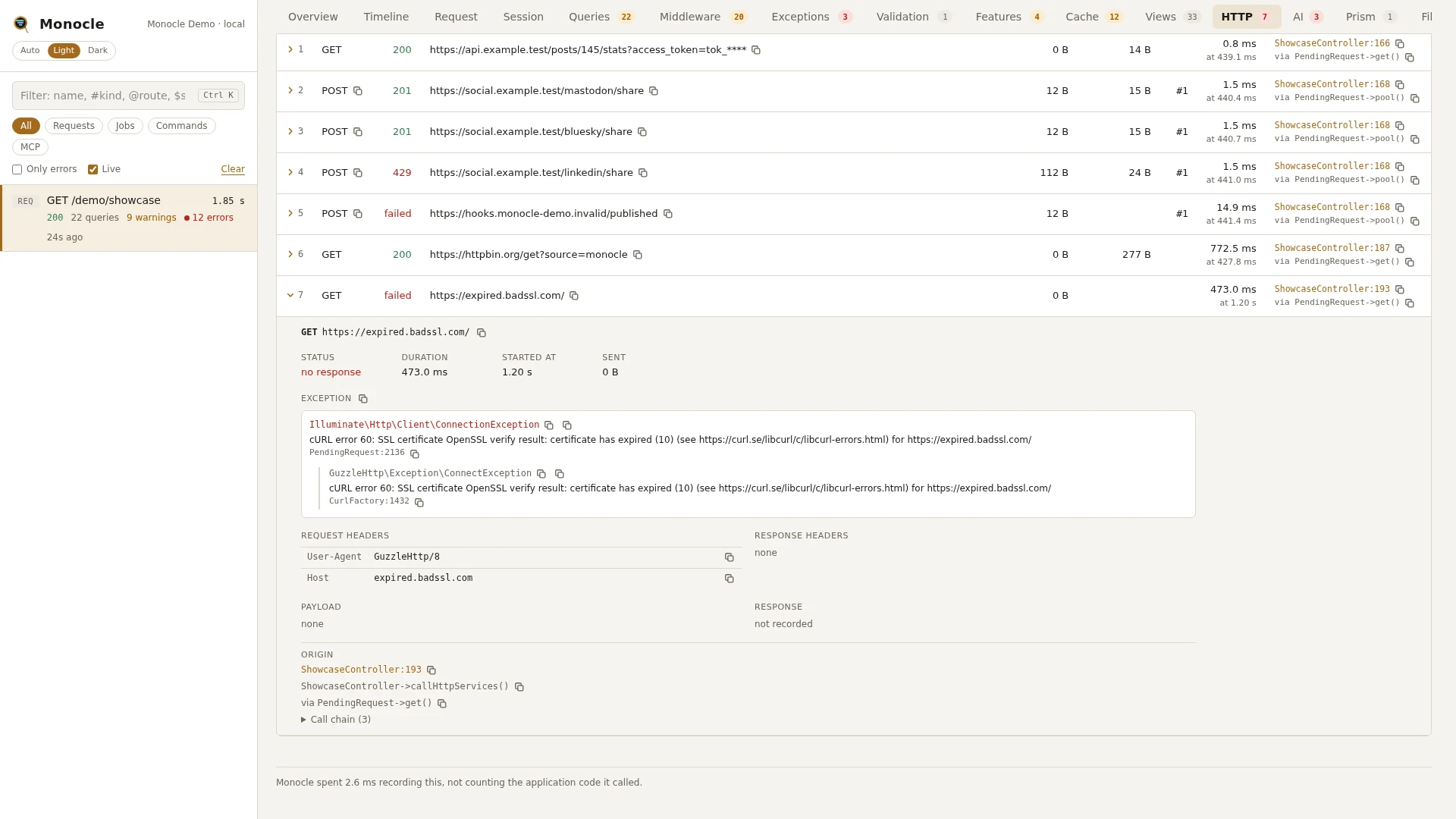
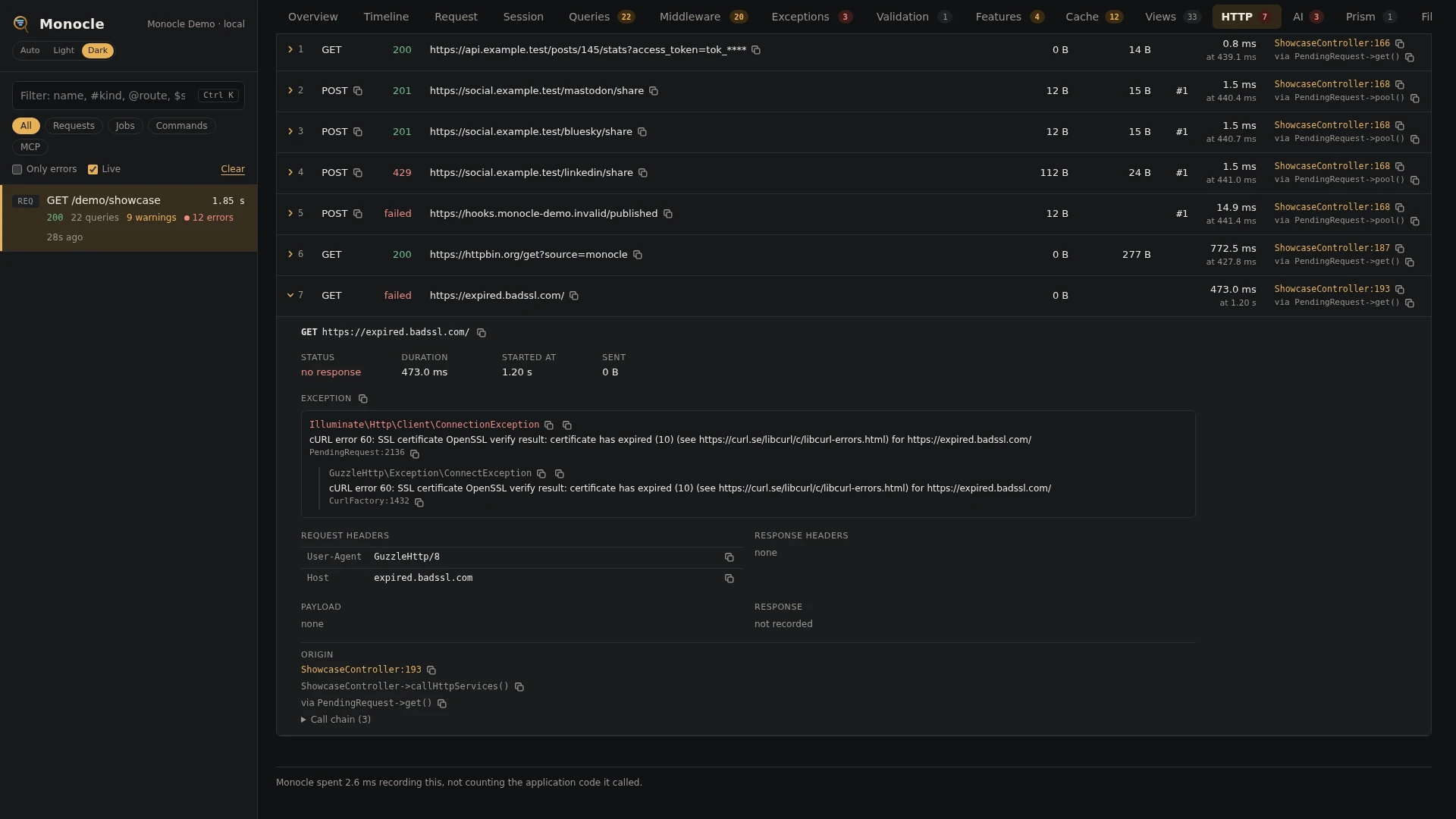
On the timeline, each call is a line inside the span that made it, and the requests of one Http::pool() or Http::batch() hang under one pool row. Time spent in calls shows as HTTP in the overview's time breakdown.
For agents
monocle-rows: which calls in the latest capture failed, and why.
{
  "section": "http",
  "where": [{"field": "failed", "op": "=", "value": "true"}],
  "fields": ["method", "url", "status", "exception.message", "duration", "origin"]
}monocle-rows: which calls were slowest, and where their time went (DNS, TLS, waiting on the server).
{
  "section": "http",
  "sort": "duration", "dir": "desc", "limit": 5,
  "fields": ["endpoint", "status", "duration", "timing", "pool"]
}monocle-list: which recent captures made outgoing calls and have errors.
{"has": ["http"], "has_errors": true, "since": "15m"}monocle-show with "sections": ["http"] returns the first rows next to the summary, which carries the totals and the HTTP call failed errors.
Configuration
The lens is on by default. In the lenses block of config/monocle.php, key it by its class: true runs it with the defaults, false turns it off, and an array passes options (see Lenses).
| Option | Default | Effect |
|---|---|---|
bodies | false | Also keep the raw request body (request_body), and the raw response body (response_body) of responses no capture handles. JSON and form bodies are masked; other bodies are kept as they are. |
capture.response_types | application/json and application/*+json with JsonCapture | Content type (wildcards allowed) => the class that reads the response into response_capture. The first matching pattern wins. Setting it replaces the default, so list the defaults you want to keep. Responses of other types keep only their size. |
The response captures are the same ones the request lens uses; see Response captures.
Other settings that affect this lens:
mask.headersmasks request and response headers. Entries keyed byHttpClientLens::classapply to this lens only. Withlaravel/aiinstalled, its providers' API key headers are masked as well; see AI provider keys.mask.inputsmasks query values in the URL, payload fields, capture cards and JSON or form bodies. An expression keyed byHttpClientLens::classapplies to this lens only.origindecides whether rows carry the line of code that made the call.exceptkeeps whole requests and commands out of recording, including the calls they make.
// config/monocle.php
use ExeQue\Monocle\Lenses\HttpClientLens;
use ExeQue\Monocle\Lenses\Request\JsonCapture;
use ExeQue\Monocle\Support\Masks\FullMask;

'lenses' => [
    // ...
    HttpClientLens::class => [
        'bodies' => true,
        'capture' => [
            'response_types' => [
                'application/json' => JsonCapture::class,
                'application/*+json' => JsonCapture::class,
            ],
        ],
    ],
],

'mask' => [
    'headers' => [
        // ...the shared headers...
        HttpClientLens::class => ['x-api-key' => FullMask::class],
    ],
    'inputs' => ['/pass|token|secret|authorization/i', HttpClientLens::class => '/client_secret/i'],
    // ...
],
AI provider keys
With laravel/ai installed, the API keys its providers send are masked on every row, without any configuration. Lens: ExeQue\Monocle\Lenses\Packages\Laravel\AiHttpClientLens.
Most providers send their key as Authorization: Bearer …, which the default masking settings cover already. Four providers use a header of their own, and the lens masks these with PartialMask, so x-api-key: sk-ant-api03-… is recorded as sk-a****:
| Header | Provider |
|---|---|
x-api-key | Anthropic |
api-key | Azure OpenAI |
x-goog-api-key | Gemini |
xi-api-key | ElevenLabs |
A mask that mask.headers sets for one of these headers wins, for example HttpClientLens::class => ['x-api-key' => FullMask::class].
AiHttpClientLens is true in the lenses block by default, has no options, and does nothing until laravel/ai is installed. It runs only while HttpClientLens is on.
use ExeQue\Monocle\Lenses\Packages\Laravel\AiHttpClientLens;

'lenses' => [
    // ...
    AiHttpClientLens::class => true,
],
Requirements and limits
- Nothing to install: it uses Laravel's HTTP client.
- Only calls made through the
Httpfacade (or aPendingRequest) are recorded. Requests made with Guzzle directly,file_get_contents(), raw cURL or an SDK with its own client are not. - Faked calls (
Http::fake()) are recorded, but withouttiming. - A failed connection has no response, so no status, headers, response size or timing; its duration is measured by the wall clock.
- Bodies that are neither JSON nor form data are kept unmasked when
bodiesis on.