
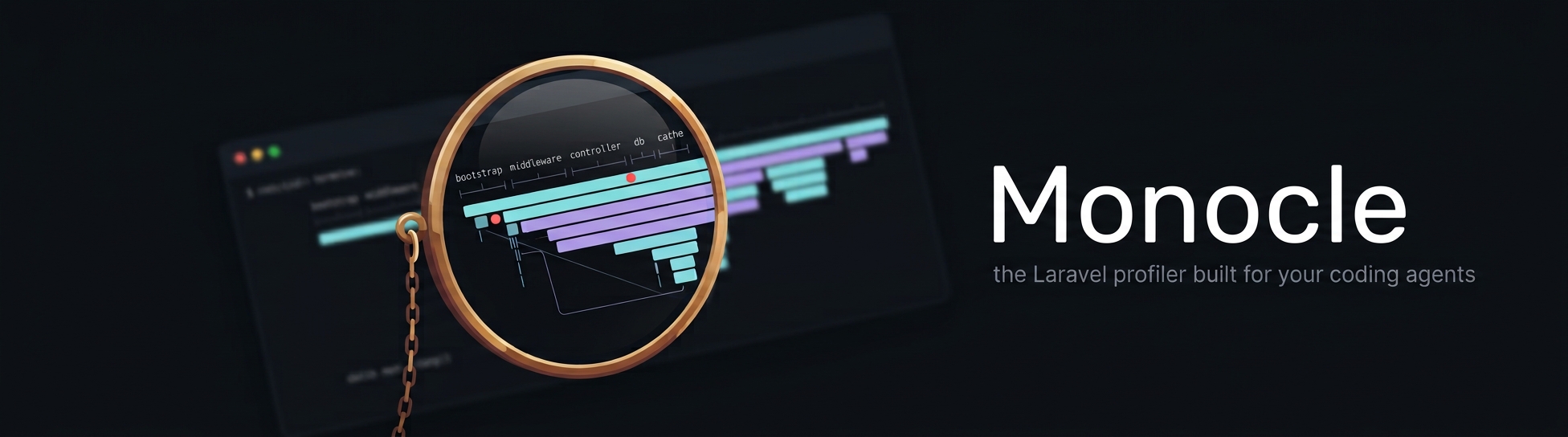





Monocle
Documentation: exeque.github.io/laravel-monocle
A request profiler for Laravel, built for AI coding agents. Monocle records what your application did while handling a request, a queued job or an artisan command - timing, middleware, database queries, cache, views, mail, HTTP calls, filesystem operations, AI agent calls and more - and lets an agent read it through an MCP server. The same data is available from artisan and in a web dashboard at /_monocle.
Install
composer require --dev exeque/laravel-monocle
php artisan monocle:install
monocle:install asks what to record, where to store it and which MCP clients to configure, then writes config/monocle.php and registers the MCP server. Restart your MCP client afterwards.
For the Monocle button on your pages, which opens their captures in the dashboard, set trace.browser.enabled to true in config/monocle.php. See Browser tracing.
Monocle records only outside production and only with APP_DEBUG=true, and never while your test suite runs unless you enable it.
What your agent can do
| Tool | Purpose |
|---|---|
monocle-list | Recent captures with duration, status, per-section counts and how many errors and warnings |
monocle-show | Where the time went, totals, errors (exceptions, failed calls and jobs) and warnings (slow queries, N+1, duplicates, slow middleware) |
monocle-rows | Any section, filtered, sorted and paginated |
monocle-queries | Queries grouped by shape, caller, table or transaction |
monocle-trace | A request and every job it dispatched |
monocle-compare | Two captures side by side - did the change help? |
monocle-clear | Start from a clean slate |
monocle-lenses | The sections this application records |
Every recorded response carries an X-Monocle-Id header, and every recorded row points to the file:line in your code that caused it.
From the terminal: monocle:list, monocle:show, monocle:rows, monocle:queries, monocle:trace, monocle:compare, monocle:clear. monocle:install sets Monocle up and monocle:editor links files to your editor.
Measure your own code
use Monocle;

$span = Monocle::span('import photos')->start(['album' => $album->id]);
// ...
$span->stop(['count' => $count]);

Monocle::measure('resize', fn () => $this->resize($file));
Learn more
- Installation
- For AI agents
- What gets recorded
- Dashboard
- Spans and metadata
- Writing a lens
- Third-party lenses
- Configuration
- Storage
- Artisan commands
Contributing
Read CONTRIBUTING.md before opening a pull request. Report security issues privately as described in SECURITY.md. Everyone taking part follows the Code of Conduct.
License
MIT