
Authorization
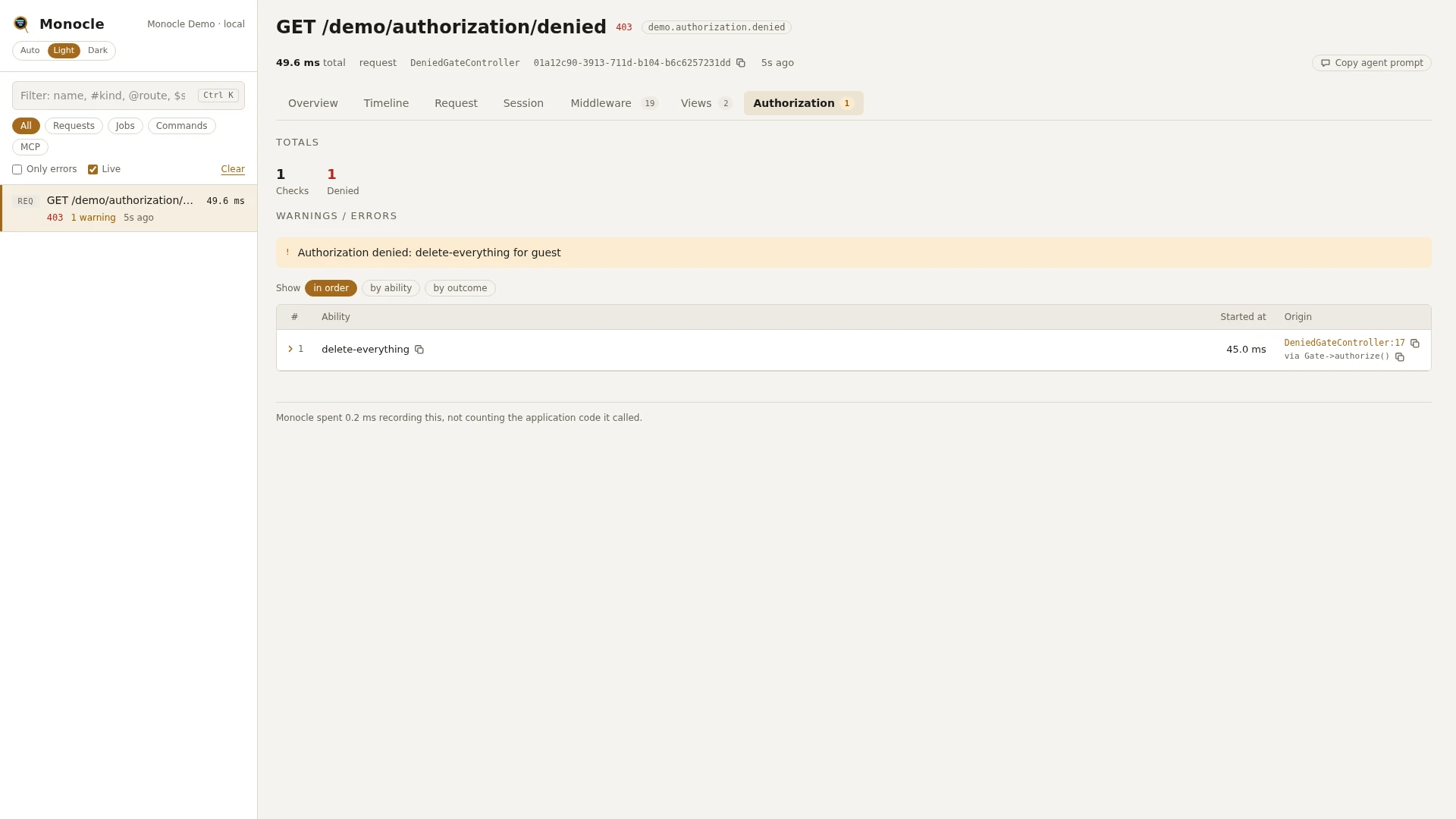
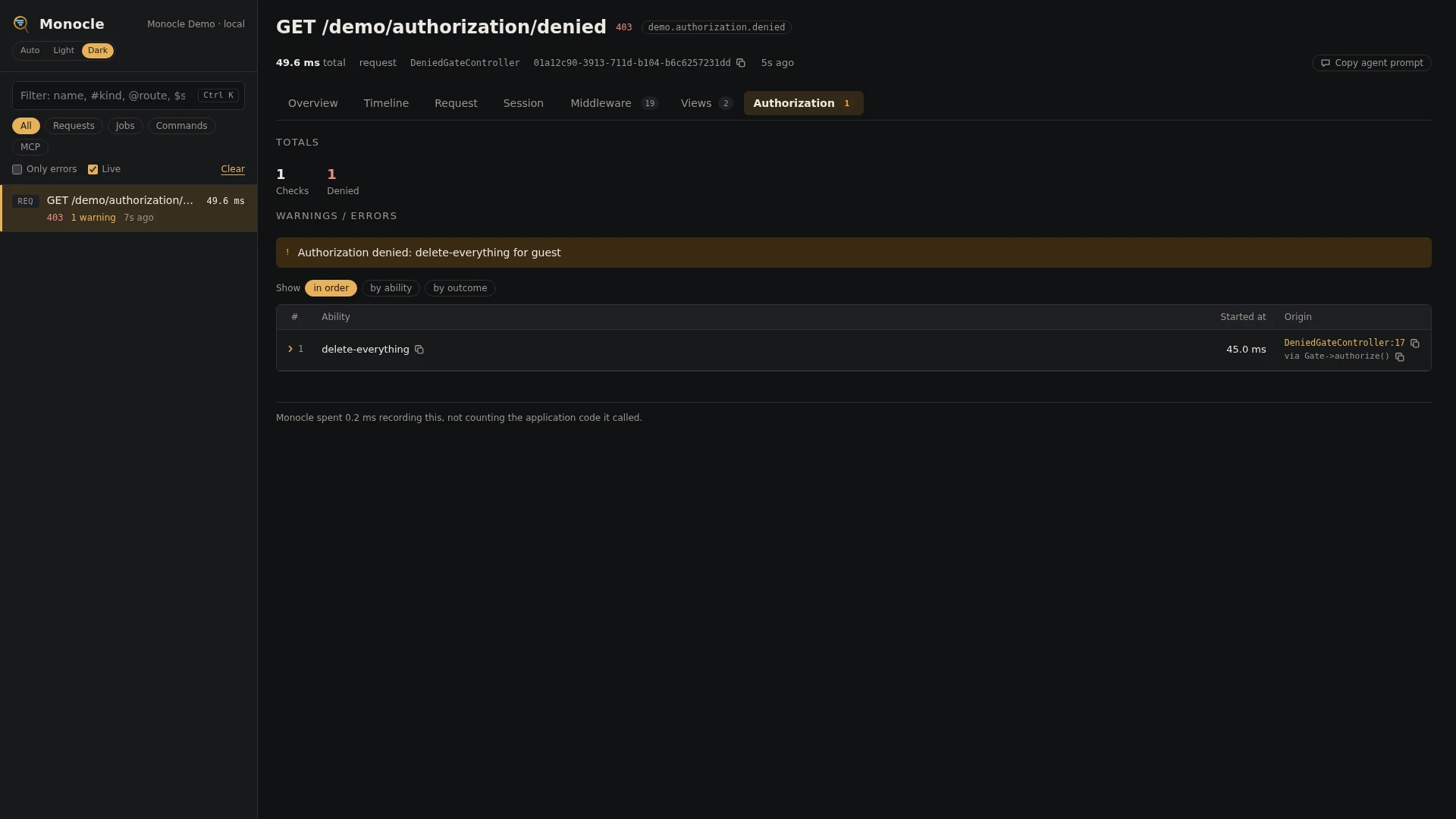
The authorization lens records every gate and policy check made during a capture: which ability was checked, for which user, with which arguments, and the answer. Checks from Gate::allows(), Gate::inspect(), $this->authorize(), @can, can middleware and $user->can() all go through the gate and are recorded.
Rows
Every row in the authorization section has these fields:
| Field | Meaning | Unit | Missing when |
|---|---|---|---|
ability | The ability checked, such as update or view-report | never | |
allowed | true when allowed, false when denied | null when no gate, policy or before callback answered the check | |
user | The user it was checked for, as Class#id | null for a guest | |
arguments | The arguments passed with the check; models as Class#id, a class name as is | empty when the check had none | |
message | The message a policy or gate gave with its answer, such as Response::deny('Not an editor.') | null when the answer was a plain true or false | |
time | When the check was made, counted from the start of the capture | ms | never |
origin | The file and line of your code that made the check, with a short call chain | null when origin.enabled is off |
Totals, warnings and errors
The summary gets these totals when at least one check was made:
| Total | Meaning |
|---|---|
authorization_checks | Number of checks |
authorization_denied | Number of checks where allowed is false |
Warnings: every denied check is a warning. The summary lists the first three as Authorization denied: {ability} for {user}, such as Authorization denied: publish for App\Models\User#7, with guest when no one was logged in. A check nobody answered (allowed is null) is not counted as denied and gives no warning.
This lens reports no errors. The 403 a denied check leads to shows in the response status.
In the dashboard
The Authorization tab lists the checks in order with ability, outcome (allowed, or denied in red), user, arguments, message and the line of code that made the check. Group the rows by ability to see how often each ability was checked, or by outcome to see the denied ones together; each group shows its count and how many were denied.
A row folds out to every field in full, each with a copy button.
For agents
monocle-rows: which checks were denied in the latest capture, for whom, and with what message. "0" matches false.
{
  "section": "authorization",
  "where": [{"field": "allowed", "op": "=", "value": "0"}],
  "fields": ["ability", "user", "arguments", "message", "origin"]
}monocle-rows: checks that no gate or policy answered, often a missing policy or a misspelled ability.
{
  "section": "authorization",
  "where": [{"field": "allowed", "op": "null"}],
  "fields": ["ability", "arguments", "origin"]
}monocle-list: recent 403 responses, to open with monocle-show and read their checks.
{"status": 403, "has": ["authorization"], "since": "15m"}Configuration
The lens is on by default and has no options. In the lenses block of config/monocle.php, key it by its class: true runs it, false turns it off (see Lenses).
Other settings that affect this lens:
origindecides whether rows carry the line of code that made the check.exceptkeeps whole requests and commands out of recording, including their checks.
No mask settings apply to this lens: arguments are kept as they are.
// config/monocle.php
use ExeQue\Monocle\Lenses\AuthorizationLens;

'lenses' => [
    // ...
    AuthorizationLens::class => true,    // false to turn it off
],
Requirements and limits
- Nothing to install: it hooks into Laravel's gate.
- Only checks that go through the gate are recorded. Authorization done by hand, such as
abort_if($post->user_id !== $user->id, 403), is not. - Arguments are not masked. Objects other than models are shown by their class name.