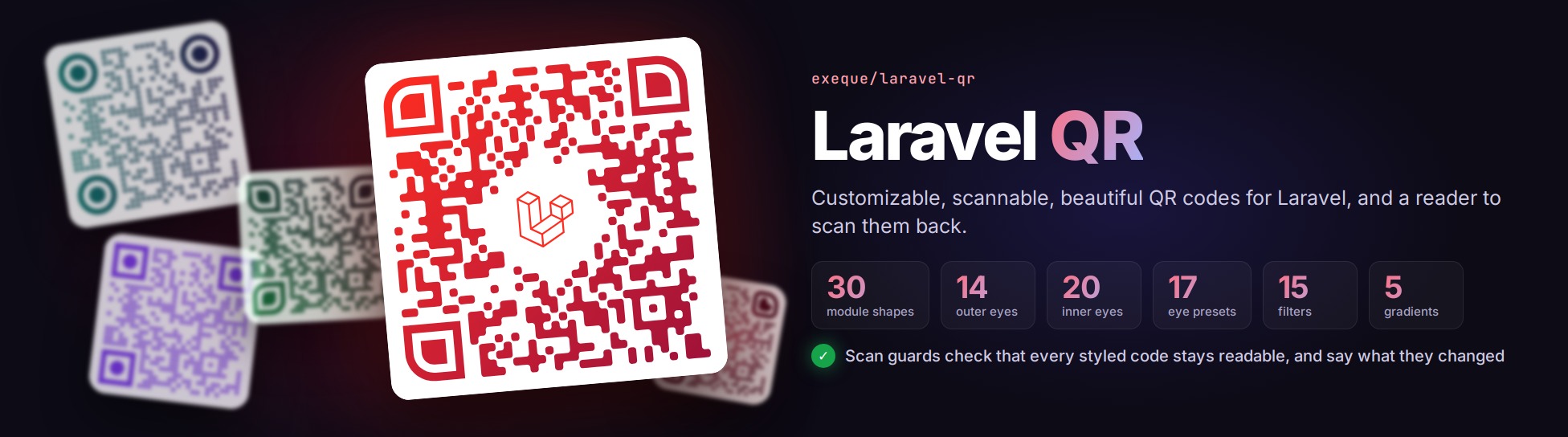





Laravel QR
Documentation: exeque.github.io/laravel-qr
Customizable, scannable, beautiful QR codes for Laravel, and a reader to scan them back.
| 30 | 14 | 20 | 17 | 24 | 5 |
|---|---|---|---|---|---|
| module shapes | outer eyes | inner eyes | eye presets | filters | gradients |
Scan guards check that every styled code stays readable, and say what they changed.
use ExeQue\Qr\Facades\Qr;
use ExeQue\Qr\Gradients\LinearGradient;

Qr::url('https://example.com/e/ABCD1234')
    ->modules('flowing-medium')
    ->eyes('rounded')
    ->paint(LinearGradient::make('#be123c', '#1e1b4b')->angle(135))
    ->png(600)
->store('codes/launch.png'); |  |  | 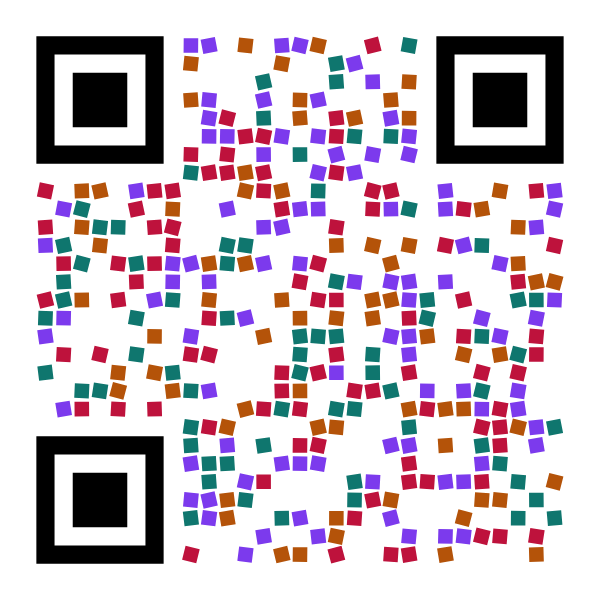 |
- Content - links, Wi-Fi logins, contact cards, email, text messages, places and calendar events, escaped the way phones read them; or any text, in any language.
- Shapes - thirty module shapes, from squares and dots to flowing, organic and connected modules; fourteen outer eyes, twenty inner eyes and seventeen presets.
- Color - every CSS color space, your own color names, and linear, radial, conic, diamond and mesh gradients blended in OKLab.
- Filters - turn, size, nudge, shade, recolor or reshape every module on its own, in waves or from the middle out.
- Logos - from files, disks or bytes, on a plate, cut to a shape; SVG logos sanitized.
- Scan safety - guards that keep every styled code readable, and say what they changed.
- Output - SVG, PNG, JPEG and WebP; saved, stored, downloaded, streamed or returned as a response; with attribution written into the file.
- Blade -
<x-qr :content="$url" />, and icons of every shape for style pickers. - Reading -
Qr::read()reads codes from images, with the package's own decoder or zxing. - Caching, a testing fake, events, a Monocle lens, artisan commands, and a Laravel Boost skill for AI agents.
Every built-in shape is checked with a real decoder, as SVG and as PNG.
Make it yours
Nearly everything is open to change. Register your own module shapes, eyes, filters, gradients, content types, writers and decoders by name, and use them like the built-in ones; name whole styles in config and apply them with ->style('brand'); turn any shape's options, from corner radii to the way a drop points; or bind your own class in place of any of the package's services. See Extending.
Install
composer require exeque/laravel-qr

# The config, to change the defaults and name styles and parts of your own (optional)
php artisan vendor:publish --tag=qr-config

# Recommended
# Imagick, for faster PNG, JPEG and WebP than GD (or your system's package, such as php8.5-imagick)
pecl install imagick
# SVG logos on PNG, JPEG and WebP codes: Alpine
apk add imagemagick-svg
# SVG logos on PNG, JPEG and WebP codes: Ubuntu 24.04 (Debian 13 has it already)
apt install libmagickcore-6.q16-7-extra
# HEIC, HEIF and AVIF logos: Alpine (Ubuntu and Debian have it already)
apk add imagemagick-heic
# The zxing reader, reading SVG too
php artisan qr:install --svg
# A dedicated sanitizer for SVG logos
composer require enshrined/svg-sanitize
# See the codes each request rendered, in the Monocle profiler
composer require --dev exeque/laravel-monocle
PHP 8.5 and Laravel 13. SVG needs nothing more; PNG, JPEG and WebP need Imagick or GD.
To read codes with zxing, the most capable reader, install zxing-wasm with your package manager (found from your lock file, or asked):
php artisan qr:installRecommended
- The Imagick extension, for PNG, JPEG and WebP output: 10 to 40 % faster than GD, which is used without it, and needed for SVG logos on raster codes. ImageMagick 6 and 7 both work.
- ImageMagick's SVG support, to put SVG logos on PNG, JPEG and WebP codes:
imagemagick-svgon Alpine,libmagickcore-6.q16-7-extraon Ubuntu 24.04; Debian 13 has it with ImageMagick (libmagickcore-7.q16-10-extra). - Node.js with
zxing-wasm, throughphp artisan qr:install, to read codes with zxing; add--svgto read SVG images too. enshrined/svg-sanitize, to sanitize SVG logos with a dedicated sanitizer instead of the package's own allowlist.exeque/laravel-monocle, to see the codes each request rendered, with timings and advice.
Documentation
Start with Getting started, or the documentation index.
Thanks
To bacon/bacon-qr-code, for years of fantastic work on QR codes in PHP.
License
MIT, see LICENSE.md.